 etke.cc
WG Easy service
WG Easy is an all-in-one WireGuard VPN solution with a web-based management interface. It simplifies the installation and management of WireGuard, letting you create and manage VPN clients without touching the command line.
Features
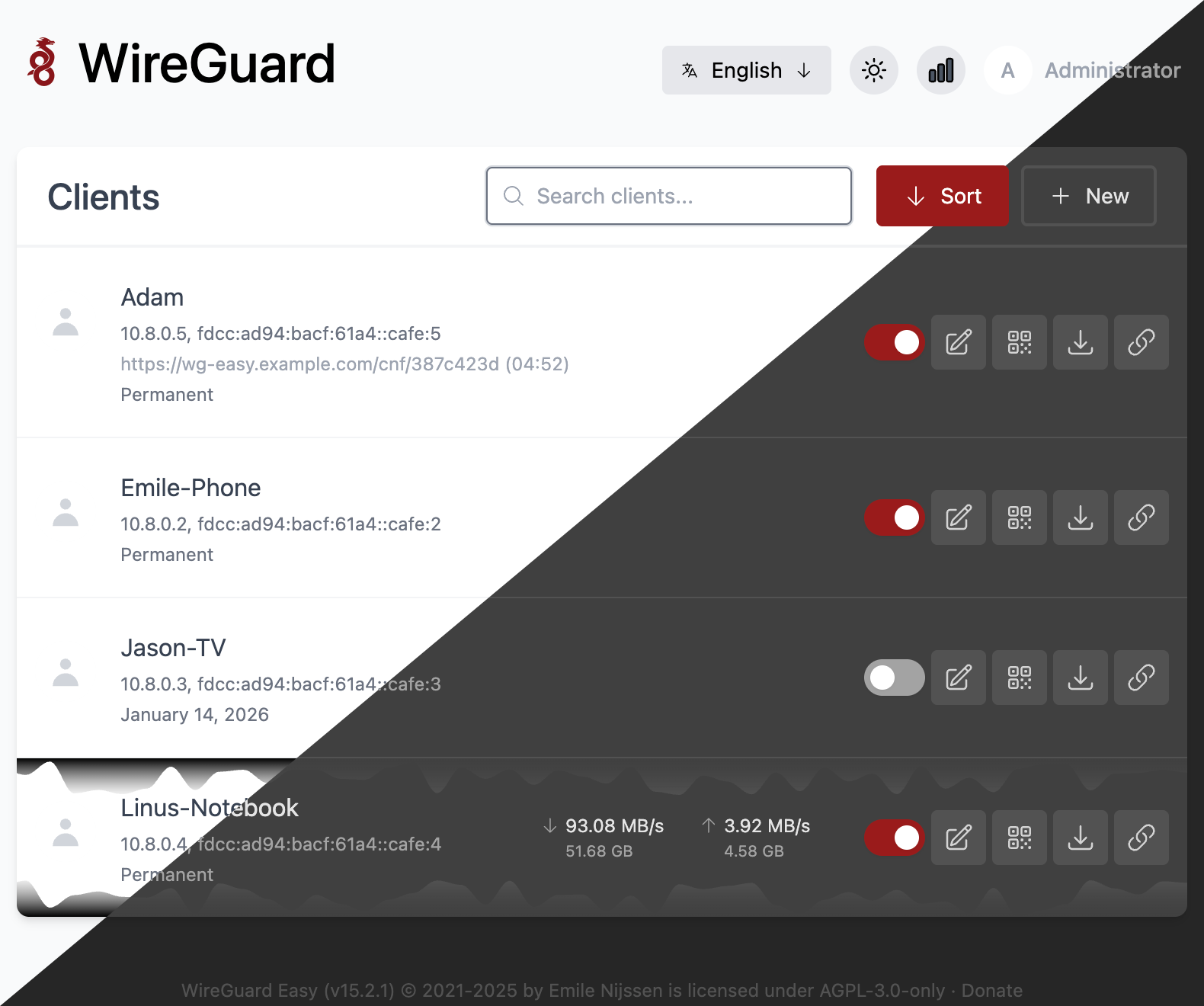
WG Easy gives you full control over your VPN clients — create, edit, delete, enable and disable them right from the web UI. Each client gets a downloadable configuration file and a QR code for quick mobile setup, along with connection statistics and Tx/Rx charts to monitor usage.
Security is covered with two-factor authentication (2FA), per-client firewall filtering rules, one-time links, and client expiration. WG Easy also supports IPv6 and CIDR configuration, Prometheus metrics for monitoring, and comes with dark/light mode and multi-language support.
Usage
We install your WG Easy instance at a URL like: https://vpn.your-server.com
Open the URL in your browser to access the WG Easy web UI. From there, you can create and manage your VPN clients.
Adding a VPN client
- Open the WG Easy web UI at
https://vpn.your-server.com - Click New Client and give it a name
- The client will appear in the list with options to download its configuration or display a QR code
Connecting to the VPN
To connect to your VPN, you need to install the official WireGuard client app on your device:
Once installed:
- On mobile: tap the QR code icon in the WG Easy web UI and scan it with the WireGuard app
- On desktop: download the configuration file from the WG Easy web UI and import it into the WireGuard app
Power up with WG Easy
Start using WG Easy today - get a managed Matrix server with it pre-installed, or add it to your existing setup.